Introduction
Editor-style API hovers for Docusaurus, Astro, Sphinx, MkDocs, and any other static site generator.
In an editor, hovering a symbol shows its signature and documentation, which the language server provides through the Language Server Protocol (LSP). quickinfo brings that hover to your API docs. Code blocks, inline code, and links that reference a documented symbol get a dotted underline. Hover one and a tooltip shows the symbol’s kind, full name, signature, docstring summary, and a link to its reference page, and every other mention of the symbol on the page lights up. Readers can scan an API without leaving the page they’re on. Keyboard focus opens the same tooltip, and Escape closes it.
quickinfo works with Docusaurus, Astro and Blume, Sphinx, MkDocs, and any other static site generator.
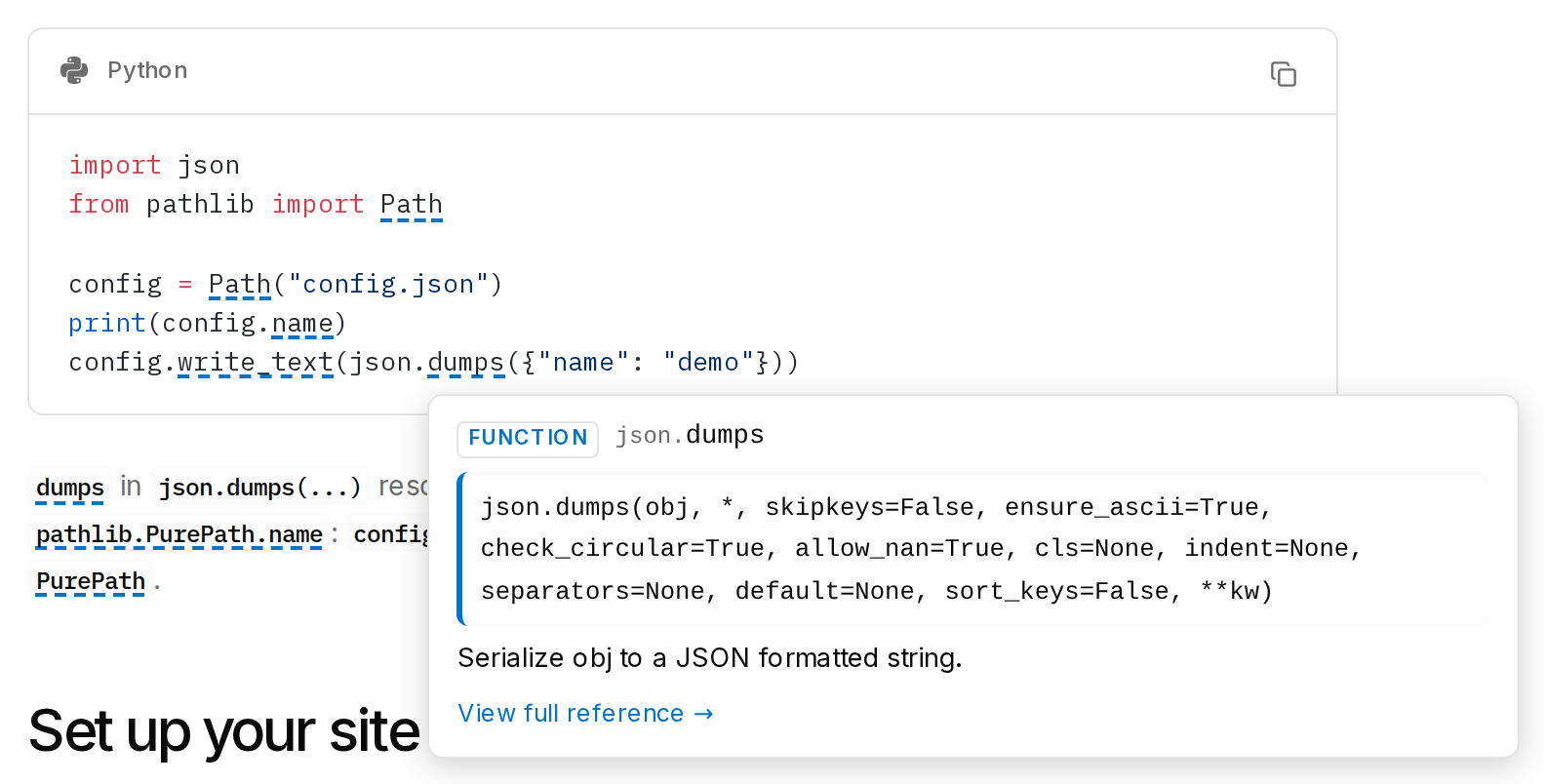
Resolution is snippet-aware. Hover the names in this example, which uses real data from the Python standard library:
import json
from pathlib import Path

config = Path("config.json")
print(config.name)
config.write_text(json.dumps({"name": "demo"}))
dumps in json.dumps(...) resolves to json.dumps through the import.
config.name resolves to pathlib.PurePath.name: config holds a Path,
which inherits name from its documented base class, PurePath.
Set up your site
Get started has one prompt that sets quickinfo up through your LLM coding assistant. To set it up by hand, follow the integration page for your site generator:
- Docusaurus: a plugin annotates code blocks and prose at build time.
- Astro and Blume: an integration annotates in the browser. The hovers on this site run that way.
- Sphinx and MkDocs: the
quickinfo buildcommand turns a built site’sobjects.invand API pages into hover data, and one script tag does the rest. - Any other static site generator: the same script tag, with symbol data you generate.
Every setup reads the names JSON and info JSON. Index files defines their schemas, and symbol resolution covers the matching rules. The API reference documents every export and option.